
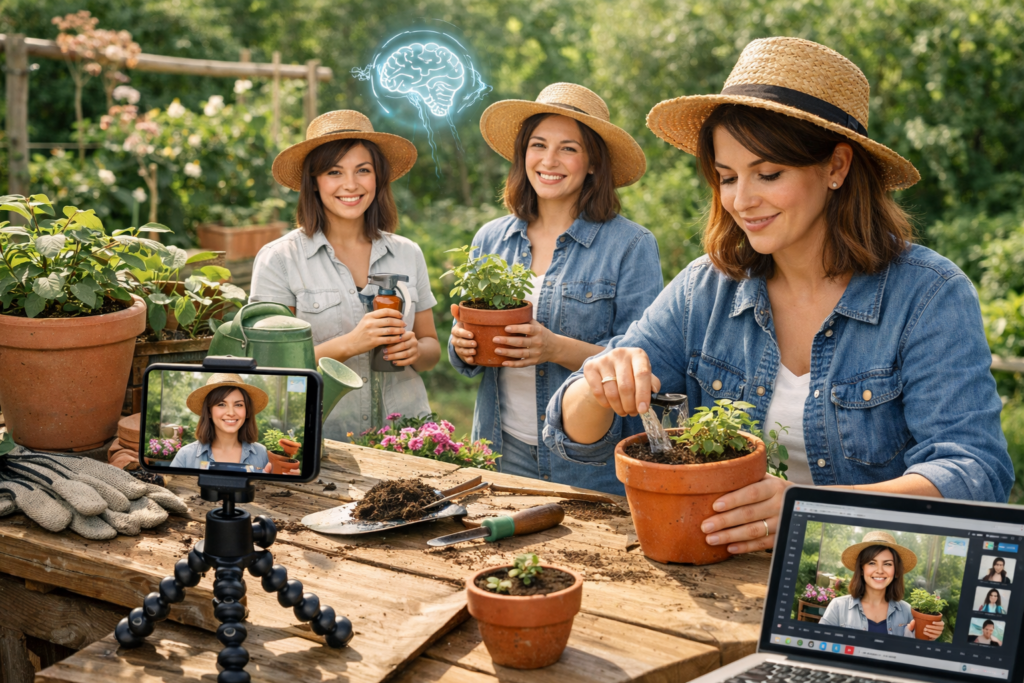
Filming your plant care routine sounds simple until you try it. The light changes, your hands are muddy, and you do not feel like being on camera. There is a calmer way to document your garden rituals without turning your home into a studio.
In recent years, video has become one of the most consumed formats online. According to a report cited by Forbes, over 80 percent of internet traffic is expected to come from video content. That shift has quietly reached home gardeners, too. People want to learn how to care for herbs on a windowsill, build raised garden beds on a budget, or manage watering indoor plants during humid summers. The good news is that you can share those rituals without complicated equipment. With the help of an avatar generator, you can turn your step-by-step plant care knowledge into clear, friendly videos that feel personal yet low-pressure.
A simple way to record plant care routines
If you want a straightforward method, start by filming short clips of your real routine. Record yourself mixing potting soil, pruning dead leaves, or checking moisture levels. Then use an avatar generator to add a calm, clear voice that explains each step.
You do not have to appear on camera. Instead, you can create a custom digital presenter that guides viewers through your process. Many creators use this approach to make explainers, small product ads for handmade planters, or even UGC style clips for garden tools.
The workflow looks like this:
- Capture 20 to 40-second clips of each task.
- Write a short script that explains what you are doing and why.
- Use text-to-speech features to generate narration.
- Place the avatar in the corner of the frame for a friendly presence.
This approach keeps your hands free and your routine natural. It also helps you stay consistent, which matters if you plan to publish weekly.
Why document your garden rituals at all?
Many home gardeners think their routines are too ordinary to share. I felt the same way when I started recording my Sunday balcony reset. Before breakfast, I watered indoor plants, trimmed basil, and looked for pests. It felt mundane.
Then a friend told me she had never seen someone demonstrate how to check soil moisture with a wooden skewer. That small detail helped her stop overwatering her pothos. It reminded me that what feels routine to you may be helpful to someone else.
Video also builds trust. Wikipedia notes that YouTube has over 2.5 billion monthly active users worldwide. That scale shows how many people turn to video for learning and inspiration. Even in niche areas like container gardening, visual demonstrations make instructions clearer than text alone.
How does an avatar generator fit into gardening content?
An avatar generator allows you to create a digital presenter that speaks your script using text-to-speech. Instead of rushing to get ready for the camera, you can focus on your plants and let the avatar handle the explanation.
AI platforms like invideo offer an avatar generator that lets you choose a presenter aligned with your tone or clone yourself. You can adjust voice style, pacing, and background for your plant care footage. For creators who prefer editing on mobile, its free AI video generator app can simplify trimming, captions, and export.
This setup works well for:
- Short explainers about fertilizing schedules.
- Personalized videos for small garden workshops.
- UGC ads for handmade compost bins.
- Product ads that show how raised garden beds on a budget come together step by step.
The key is to keep the avatar supportive and calm. You are not building a commercial. You are sharing a ritual.
What equipment do you actually need?
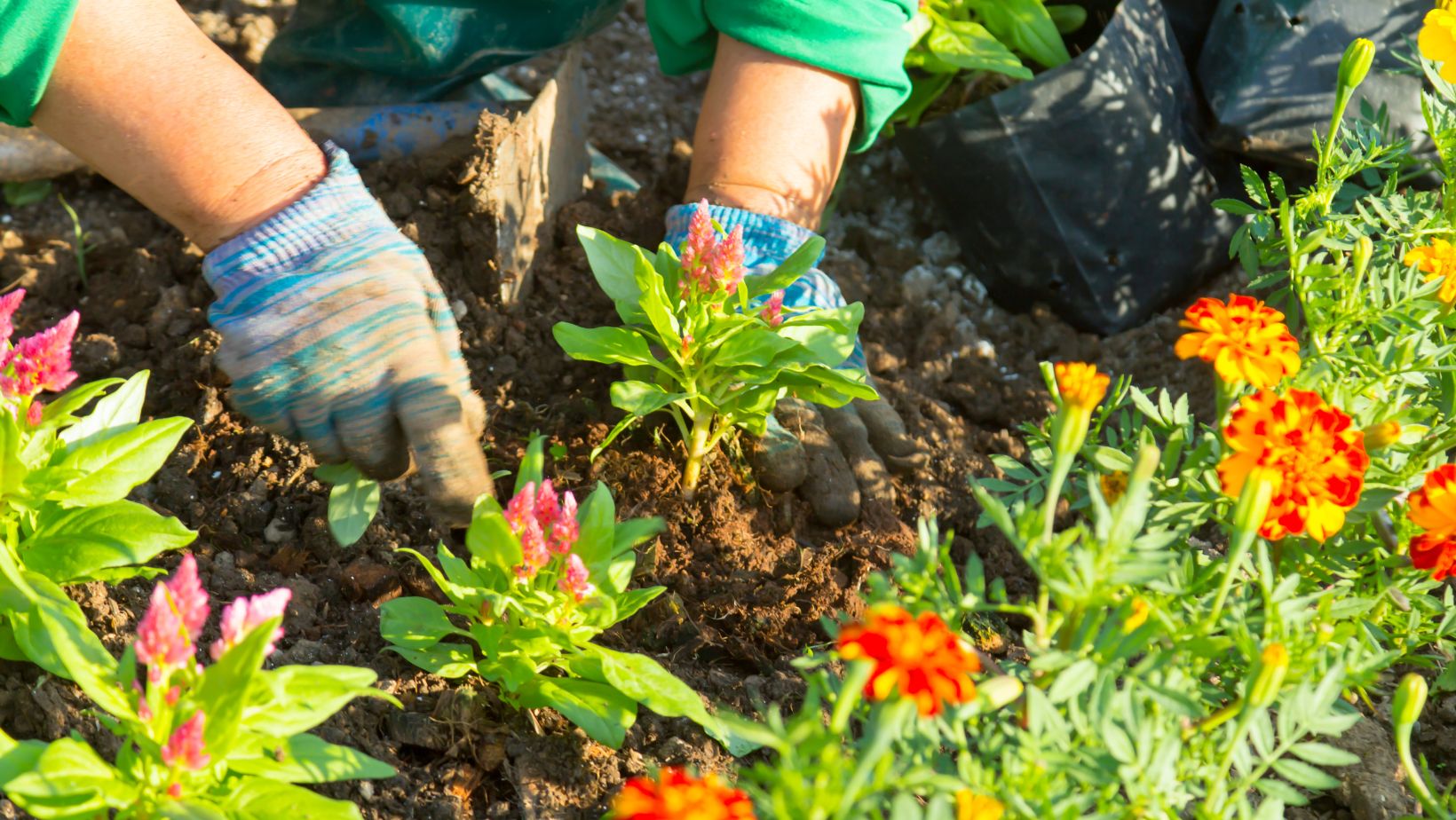
Most of what you need is probably already in your home.
A smartphone with a decent camera
Most modern phones record in 1080p or higher. That resolution is enough for clear instructional videos.
Natural light by a window
Morning light works best for filming watering indoor plants or repotting seedlings. Avoid overhead yellow bulbs when possible.
A simple tripod or stable surface
A stack of books can hold your phone steady. Stability makes your video feel more intentional.
A short script
Write 3 to 5 sentences per clip. Keep each sentence under 15 words. This structure makes it easier for the avatar generator to deliver a clear explanation.
When I filmed my raised herb bed tutorial, I recorded five short clips instead of one long take. Editing felt less overwhelming. Each clip covered one action, such as adding compost or spacing seedlings.
How can you script natural garden explainers?
Many people freeze when writing scripts. Writing while you talk is the key.
Start with what you are doing. Then explain why.
For example:
- I am loosening the soil to improve drainage.
- I water until it drains from the bottom holes.
- I rotate the pot to give all sides equal sunlight.
Avoid overly technical language. If you mention fertilizer ratios, explain what they mean in everyday terms. This keeps your content accessible to beginner home gardeners.
When using an avatar generator, read your script out loud once. If it sounds stiff, shorten the sentences. Text-to-speech tools perform better with natural phrasing.
Can you use this for small garden businesses?
Yes, especially if you sell handmade items or host workshops.
You can create personalized videos for customers who buy custom planters. Instead of sending a long email, record a short demonstration and let the avatar walk through care instructions.
You can also produce simple product ads. For example, show how your raised garden beds on a budget reduce soil waste, then use the avatar to explain measurements and assembly steps. This format feels more like a helpful guide than a traditional advertisement.
Some creators also experiment with short UGC style clips. They film themselves using a product, then let the avatar narrate key benefits in a conversational tone. This approach keeps your face optional while maintaining a human touch.
How do you keep the process relaxed?
The goal is not perfection. It is clarity.
Set a time limit. Give yourself 45 minutes to film and outline your script. Stop when the timer ends. Editing can happen later.
Batch your content. Record multiple rituals in one session, such as pruning, watering indoor plants, and mixing compost tea. Then create separate videos using the same avatar generator setup.
Most importantly, keep your expectations realistic. A slightly imperfect clip of soil spilling from a pot feels authentic. Viewers relate to lived-in spaces more than staged ones.
Conclusion: Is filming your garden rituals worth it?
Filming your garden rituals does not require a studio, advanced editing skills, or constant on-camera presence. With a thoughtful script and an avatar generator, you can document your plant care routines in a way that feels calm and approachable.
By recording short, focused clips and layering them with a text-to-speech presenter, you create helpful explainers, personalized videos, or small product ads without disrupting your slow living rhythm. Over time, these small videos build a library of knowledge that supports other home gardeners.
If you have been quietly tending herbs, building raised garden beds on a budget, or perfecting your method for watering indoor plants, perhaps it is time to share those rituals. What small routine in your garden could become your first gentle tutorial?
Frequently asked questions
Do I need to show my face in garden videos?
No. You can film your hands and plants, then use an avatar generator to present the explanation. This approach keeps the focus on the process while still offering a friendly guide.
How long should plant care videos be?
For social platforms, 60 to 120 seconds works well. For detailed tutorials, 3 to 5 minutes is enough to explain steps without overwhelming viewers.
Is text-to-speech good for educational content?
Yes, especially when scripts are clear and conversational. Many creators use text-to-speech avatars for explainers and product demonstrations because they deliver consistent pacing.
Can beginners use this approach?
Absolutely. If you can record a short clip on your phone and write a few simple sentences, you can create a structured tutorial. Start small and improve gradually.
What type of garden content performs well?
Practical topics perform best. Examples include watering indoor plants correctly, composting basics, and building raised garden beds on a budget. Clear demonstrations with simple explanations tend to hold attention.
How often should I publish?
Consistency matters more than frequency. Even one thoughtful video per week builds familiarity and trust over time.
Would you try documenting your next plant care session, or does it still feel like something for other people?